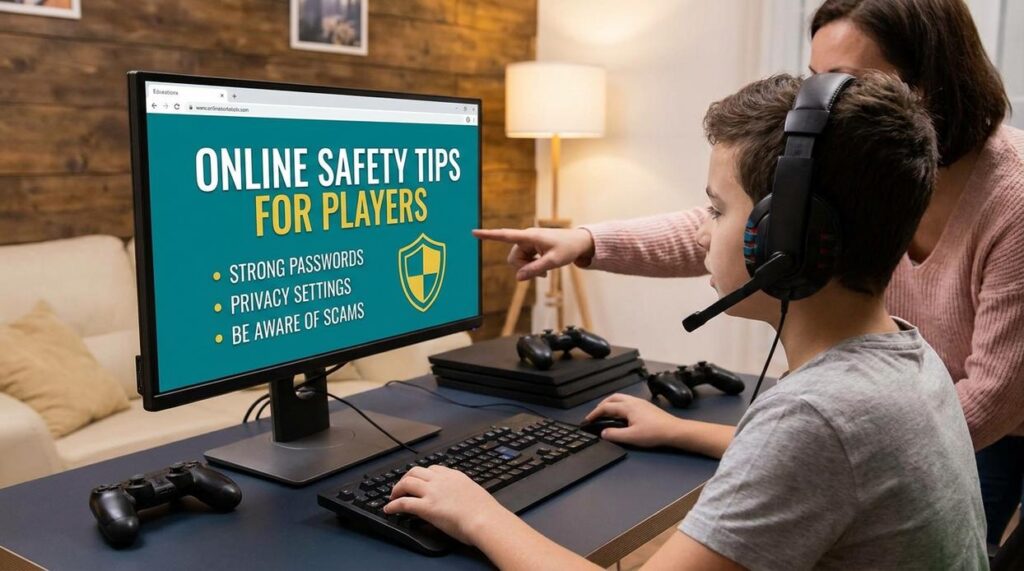
I need you to stay safe while you’re gaming on ElmagPlayers.
You’re here because you want to play without worrying about your account getting hacked or your personal info ending up in the wrong hands. Smart move.
Here’s the reality: online threats are real. But they’re also preventable if you know what to watch for.
I’m going to show you how to play safely online ElmagPlayers using the tools we’ve built right into the platform. These aren’t complicated security protocols that require a tech degree. They’re practical steps that work.
We run ElmagPlayers. We see what happens when players skip basic safety measures and we see what works when they don’t. That’s why this guide exists.
You’ll learn how to protect your account, keep your personal information private, and spot threats before they become problems.
No scare tactics. Just the specific actions you need to take and the exact tools available to you on the platform.
Gaming should be fun. Let’s make sure it stays that way.
Securing Your ElmagPlayers Account: The First Line of Defense
Your account gets hacked because your password is weak.
I’m not saying this to scare you. I’m saying it because I see it happen every single day to gamers who thought they were safe.
Here’s what most security guides won’t tell you. The biggest threat to your elmagplayers account isn’t some sophisticated hacker. It’s you using “Gaming2024!” as your password.
Some people argue that complex passwords are overkill. They say as long as you’re careful about where you log in, you’ll be fine. They think convenience matters more than security.
They’re wrong.
And I can prove it.
Build a Password That Actually Works
You need at least 12 characters. Mix uppercase and lowercase letters with numbers and symbols. But here’s the part everyone misses.
Don’t use patterns. “P@ssword123” looks complex but it’s garbage. Password crackers break that in seconds.
Here’s what I recommend instead:
| What to Use | What to Avoid |
|————|—————|
| Random character combinations | Your username or game tag |
| Unique password for ElmagPlayers ONLY | Birthdays or anniversaries |
| Password manager to remember it | Dictionary words |
| 15+ characters when possible | Keyboard patterns (qwerty, 12345) |
Never use your email address, real name, or anything tied to your gaming profile. Hackers scrape that information first.
Turn On 2FA Right Now
Not later. Now.
Two-factor authentication is the ONE thing that stops unauthorized access cold. Even if someone gets your password, they can’t get in without that second code.
Here’s how to set it up:
- Log into your account settings
- Find the Security tab
- Click Enable Two-Factor Authentication
- Choose your method (I recommend an authenticator app over SMS)
- Scan the QR code with your phone
- Save your backup codes somewhere SAFE
Takes three minutes. Saves you from losing everything you’ve built in your account.
(And yes, I know it’s annoying to grab your phone every time you log in. Know what’s more annoying? Watching someone else play on your account while support takes days to respond.)
Watch for Login Alerts
ElmagPlayers sends you notifications when someone logs in from a new device or location. Pay attention to these.
If you get an alert you don’t recognize, act fast:
Change your password immediately. Log out of all active sessions in your account settings. Check your email for any password reset requests you didn’t make.
Most people ignore these alerts. That’s a mistake. When you learn how to play safely online elmagplayers sends these warnings for a reason.
Stop Sharing Your Account
I don’t care if it’s your best friend since middle school.
Sharing your login details violates the terms of service. But more than that, it puts you at risk. You’re trusting someone else to keep your information secure. You’re hoping they won’t use your payment methods. You’re betting they won’t get their own device compromised.
That’s too many variables you can’t control.
One shared account can mean:
Permanent ban if ElmagPlayers detects multiple locations accessing the same account. Stolen items or currency that support won’t restore because you gave access willingly. Compromised payment information if the other person’s device has malware.
Not worth it. Ever.
Navigating Social Interactions: Safe Communication and Community Conduct
Most gaming safety guides tell you to never talk to strangers online.
That’s ridiculous.
If you follow that advice, you miss the entire point of multiplayer gaming. You’d never make a squad. Never find a clan. Never experience what makes online gaming worth it in the first place.
The real issue isn’t talking to people. It’s what you share and how you handle the bad actors.
Let me show you how to play safely online elmagplayers without cutting yourself off from the community.
Managing In-Game Chat
Here’s what I never share in voice or text chat: my real name, my address, what school I go to, or my age. Phone numbers are obviously off limits too.
But I will chat about the game. I’ll strategize. I’ll joke around about that terrible play I just made.
The line is simple. Keep it about the game and you’re fine.
Dealing with Harassment
Someone being toxic in your match? Mute them immediately. Don’t argue. Don’t try to reason with them.
I know the instinct is to defend yourself. But that’s what they want. They feed on your reaction.
Block the player after the match ends. Then report them through the ElmagPlayers interface with specifics about what they said or did.
The Reporting System
When you file a report on ElmagPlayers, include the player’s username and exactly what happened. Screenshots help if you grabbed them.
Vague reports like “this person was mean” don’t give the moderation team much to work with. Be specific.
Your Friends List
Here’s where I disagree with most gaming tips elmagplayers advice.
People say to add everyone who plays well. Build a huge network.
Wrong move.
Your friends list should be small and intentional. These are people you actually want to game with again. Not just anyone who carried you through one match.
I review my list every few weeks. If someone’s been inactive or we don’t vibe anymore, I remove them.
Quality beats quantity every time.
Spotting Scams, Phishing, and Malicious Links
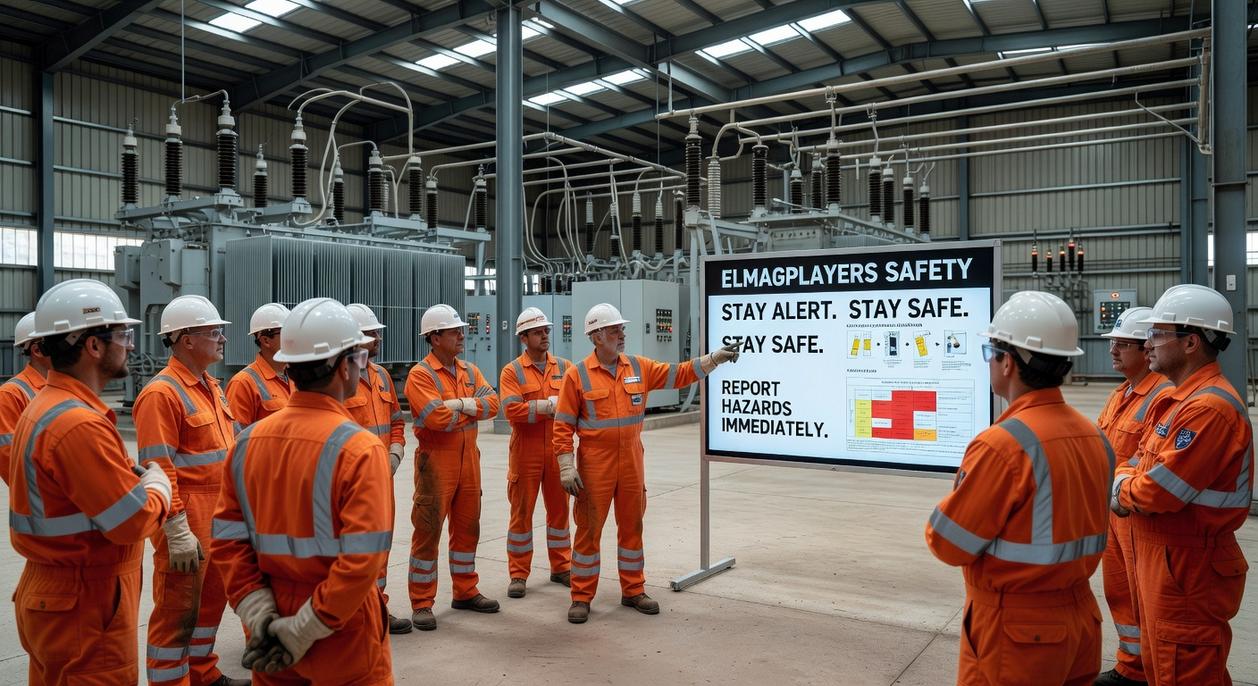
You just got a message.
It says you won free skins. Or maybe it’s from someone claiming to be ElmagPlayers staff who needs to verify your account.
Sounds legit, right?
Wrong.
I see players fall for this stuff every single day. And I’m not talking about beginners. Even experienced gamers get caught when scammers get creative.
Here’s what most security guides won’t tell you. The people running these scams study how gamers think. They know you want that rare item. They know you’re used to quick messages and fast trades.
Some experts say you should just ignore all unexpected messages. Block everyone you don’t know personally and never click any links.
But that’s not realistic when you’re trying to build a community or make trades. You’d miss out on genuine opportunities and connections.
The real solution? Learn what actual threats look like.
What Phishing Actually Looks Like
Fake login pages are everywhere. You’ll see a link that looks almost identical to the real site. Maybe it’s elmagplayers.com with an extra letter. Or a different domain ending.
The page looks perfect. Same logo, same colors, same layout.
But when you enter your credentials, they go straight to someone who shouldn’t have them.
Then there are the “staff” messages. Someone contacts you saying there’s a problem with your account. They need you to confirm your password or click a verification link.
Real talk? No legitimate staff member will ever ask for your password. Not through messages, not through email, not ever.
If you’re wondering how to play safely online elmagplayers, start by understanding this basic rule. Official communication comes through official channels only.
Check the elmagplayers gaming guide by electronmagazine for verified contact methods.
The Trust Trade Trap
Someone offers you an amazing deal. But they want to do it outside the secure trading window. They say it’s faster or easier this way.
It’s not.
Trust trades are just scams with a friendly name. The platform has a secure system for a reason. Use it every single time.
Downloads That Destroy
That mod promising better graphics or easier gameplay? It might be loading malware onto your system right now.
Third-party software from random sources is one of the fastest ways to lose your account. Or worse, your personal information.
Stick to official sources. If something seems too good to be true, it probably is.
Using ElmagPlayers’ Built-In Privacy and Safety Tools
You need to lock down your privacy settings before you do anything else.
I see too many players skip this step. They jump straight into games and wonder why strangers are messaging them or why their profile shows up in every search.
Here’s how to play safely online elmagplayers without missing out on the fun.
Start with your privacy dashboard. You’ll find it in your account settings (top right corner if you’re on desktop). Three settings matter most:
- Hide your online status so people can’t track when you’re playing
- Restrict who can send you friend requests to friends of friends only
- Control profile visibility so random users can’t see your game history
Takes about two minutes to set up.
Now let’s talk about parental controls. If you’re setting up an account for your kid, you can cap spending limits right from the family settings panel. Set a monthly maximum and the platform won’t process purchases beyond that amount.
You can also restrict chat features. Turn off voice chat entirely or limit text chat to preset messages only. Some parents I know check the playtime monitor weekly to see how many hours their kids are logging.
The Safe Mode feature is worth turning on even if you’re an adult. It filters out strong language automatically and blocks incoming messages from anyone who isn’t already on your friends list. You can toggle it on and off depending on what game you’re playing.
Pro tip: Test your settings with a secondary account to see what others can actually view about your profile.
Play Smart, Play Safe
You now have everything you need to keep your gaming experience secure and fun.
The online world has risks. I won’t sugarcoat that. But you don’t have to be a victim of them.
When you combine strong account security with smart social habits, you’re in control. The tools we’ve built at ElmagPlayers give you that power. They work because they’re designed for real threats that gamers actually face.
Here’s what I need you to do: Take five minutes right now to review your account settings. Activate Two-Factor Authentication if you haven’t already.
How to play safely online elmagplayers comes down to being proactive instead of reactive.
Your future self will thank you for taking this step today. The few minutes you invest now could save you hours of headache later.
Don’t wait until something goes wrong. Secure your account and get back to what matters: the game.
 Founder & Chief Visionary Officer
dmitri22 is the driving force behind Elmag Players, shaping its identity as a leading gaming insight platform. With a deep understanding of digital entertainment, he founded the company to bridge creativity and competitive gaming knowledge. His leadership focuses on innovation, strategy, and long-term growth. dmitri22 has a strong background in game analysis and emerging tech trends. He oversees content direction and brand positioning. Passionate about empowering gamers, he ensures Elmag Players remains ahead of industry shifts. His vision continues to guide the platform’s evolution.
Founder & Chief Visionary Officer
dmitri22 is the driving force behind Elmag Players, shaping its identity as a leading gaming insight platform. With a deep understanding of digital entertainment, he founded the company to bridge creativity and competitive gaming knowledge. His leadership focuses on innovation, strategy, and long-term growth. dmitri22 has a strong background in game analysis and emerging tech trends. He oversees content direction and brand positioning. Passionate about empowering gamers, he ensures Elmag Players remains ahead of industry shifts. His vision continues to guide the platform’s evolution.